01Overview
LiberCube
LiberCube is a smart Rubik's Cube designed for children aged 6 to 12. It addresses the steep learning curve of traditional cubes and helps children practise solving skills in a joyful, engaging way, like Duolingo for the Rubik's Cube.
02Insight & Reframing
Problem
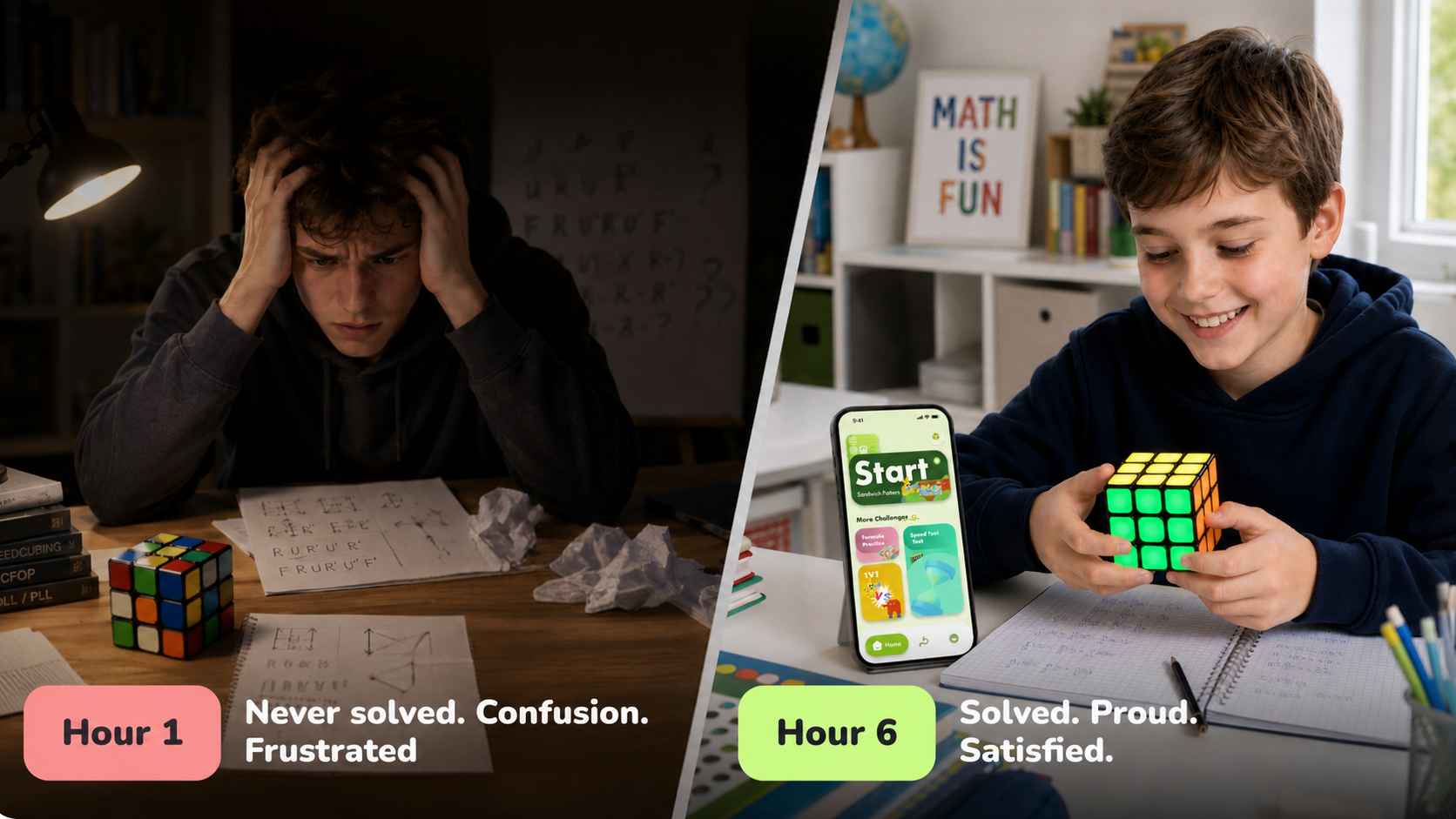
The joy of solving a Rubik's Cube is blocked by a steep learning barrier. Children must first understand symbols, algorithms, and sequences before they can experience the satisfaction of solving it, so many give up at the very beginning.
How might we...
Help children understand the underlying patterns through exploration and play, and complete their first solve without reading instructions or memorising algorithms?
We initially believed:
Break the Rubik's Cube manual into sequential instructions and visualise them in 3D, helping children learn through a three dimensional guide.
But we discovered:
Children did not need another manual. They needed curiosity and the motivation to explore.
This changed our direction:
We decided to turn the manual's complicated algorithms into a sequence of playable levels.
Reframing
From a better “Rubik's Cube manual” to a way to build curiosity and a sense of achievement
Play first, learn through action
Children do not need to read instructions, understand notation, or memorise algorithms first. They can pick up the cube and begin naturally.
Guide, but do not replace thinking
Offer the right clue only at key moments, helping children continue while preserving exploration and the satisfaction of solving.
Real Time Feedback
Guidance should respond directly to each rotation, reducing the need to shift attention between the cube, instructions, and screen.
03Three Key Decisions
Decision 01Start before Practice
Goal
Spark curiosity and let children begin without explanation.
Options
Explore three home screen structures: full tutorial, functional tools, and task led entry.
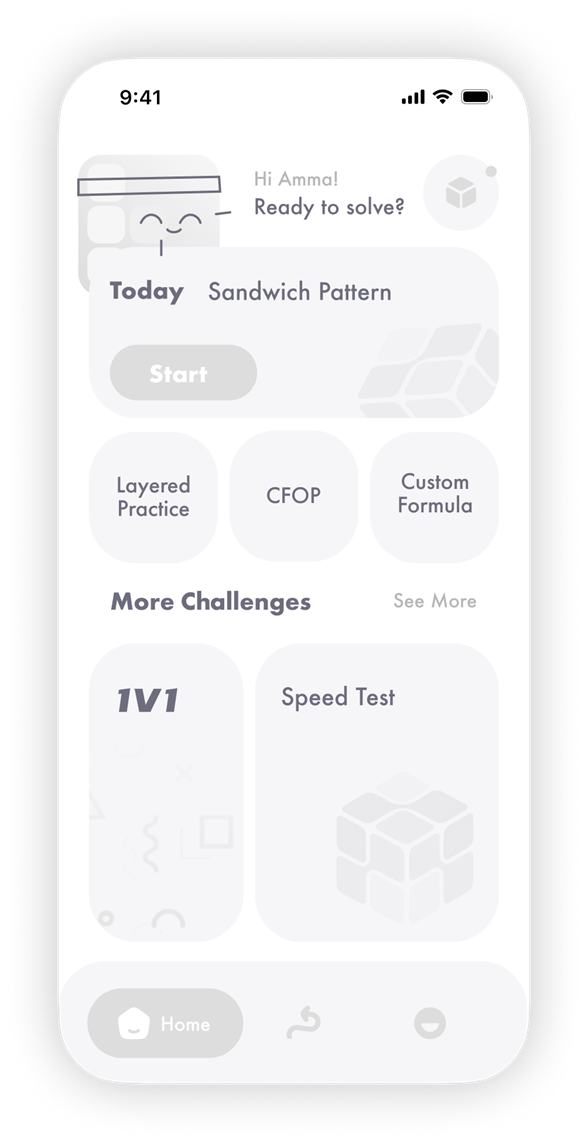




Add a character greeting and state feedback
Compared with a purely data led header, this creates a more companion like way to enter the experience.
Focus the home screen on the daily task
Turn an abstract 'current course' into a challenge that can be started immediately.
Show all three learning methods directly
Layer by Layer, CFOP, and Custom Algorithms are available without entering a secondary page.
Trade Off
A complete tutorial increased the pressure to begin; a tool focused interface was efficient but still required users to understand the rules. Advanced functions were ultimately moved deeper so the home screen could focus only on the current task.
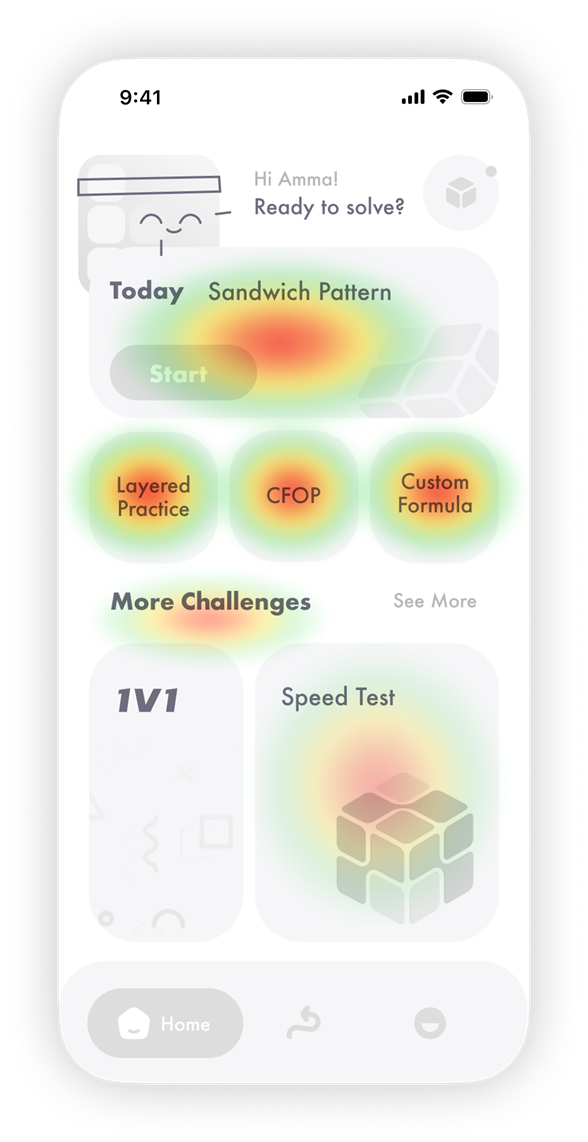
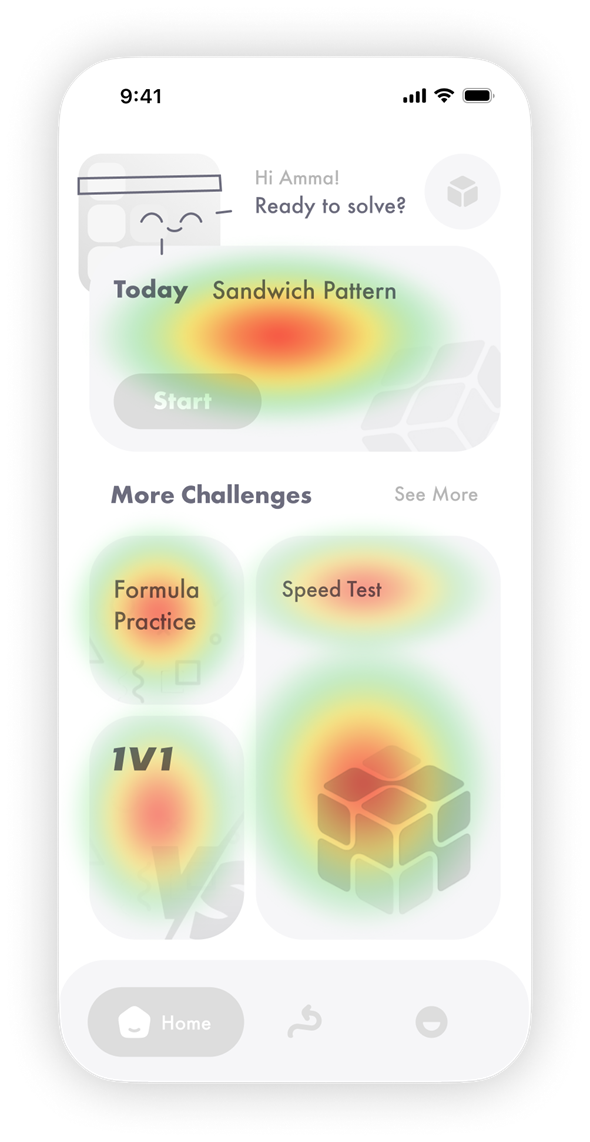





Problem: algorithm options compete for attention
The three learning methods sit at the centre of the home screen and compete with Start for the primary visual focus.
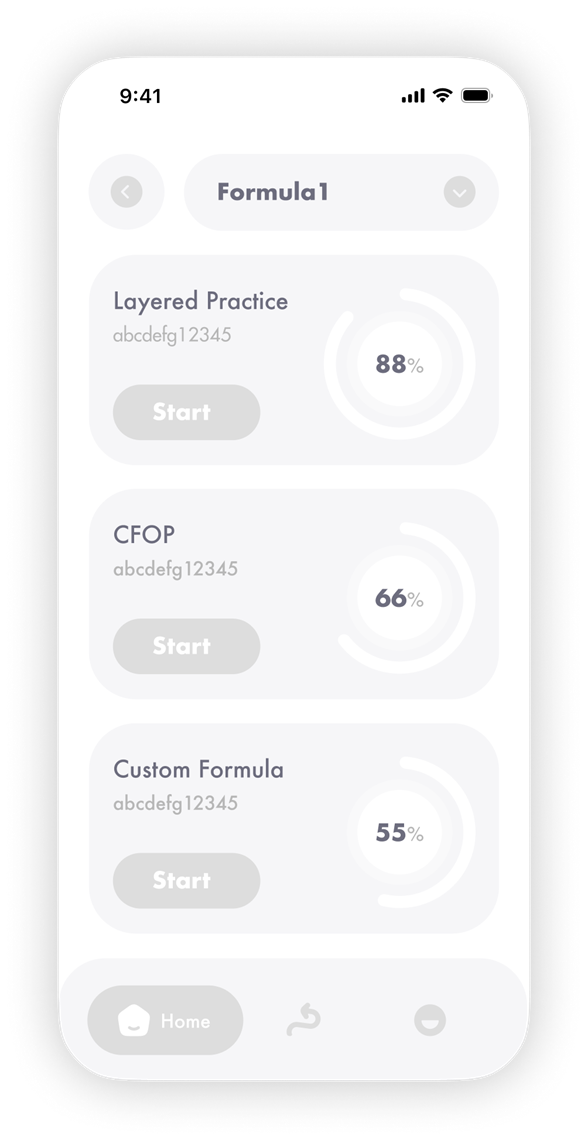
Consolidate formula practice into one entry point
Replace the three separate learning methods with a single “Formula Practice” entry point.
Move algorithms into a dedicated subpage
Layer by Layer, CFOP, and Custom Algorithms expand within the secondary page.
Decision
Converge the home screen around the current task, using visual and motion feedback to guide children to begin immediately.
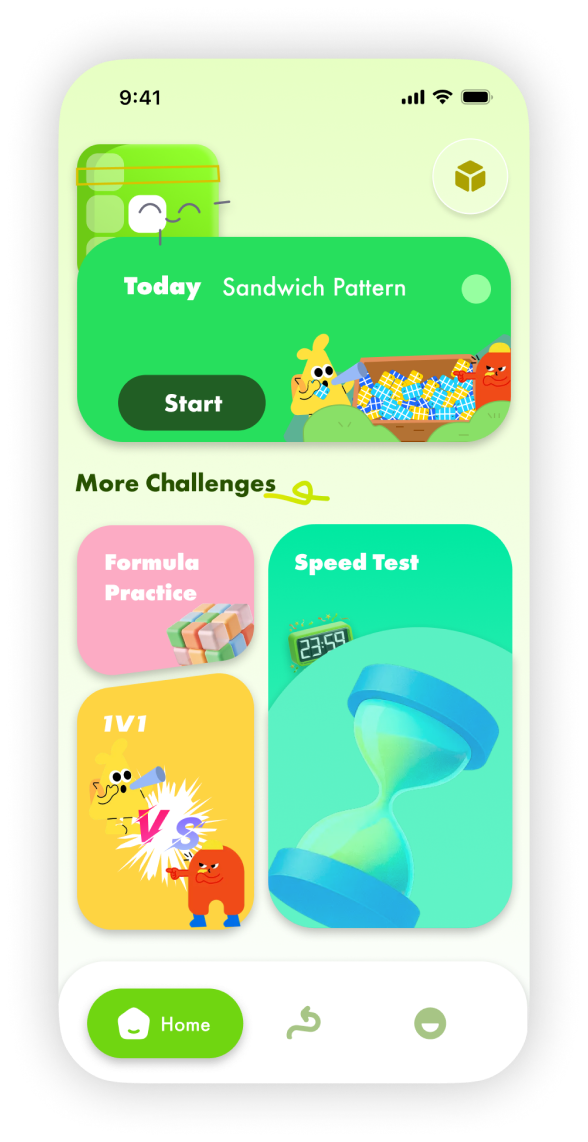
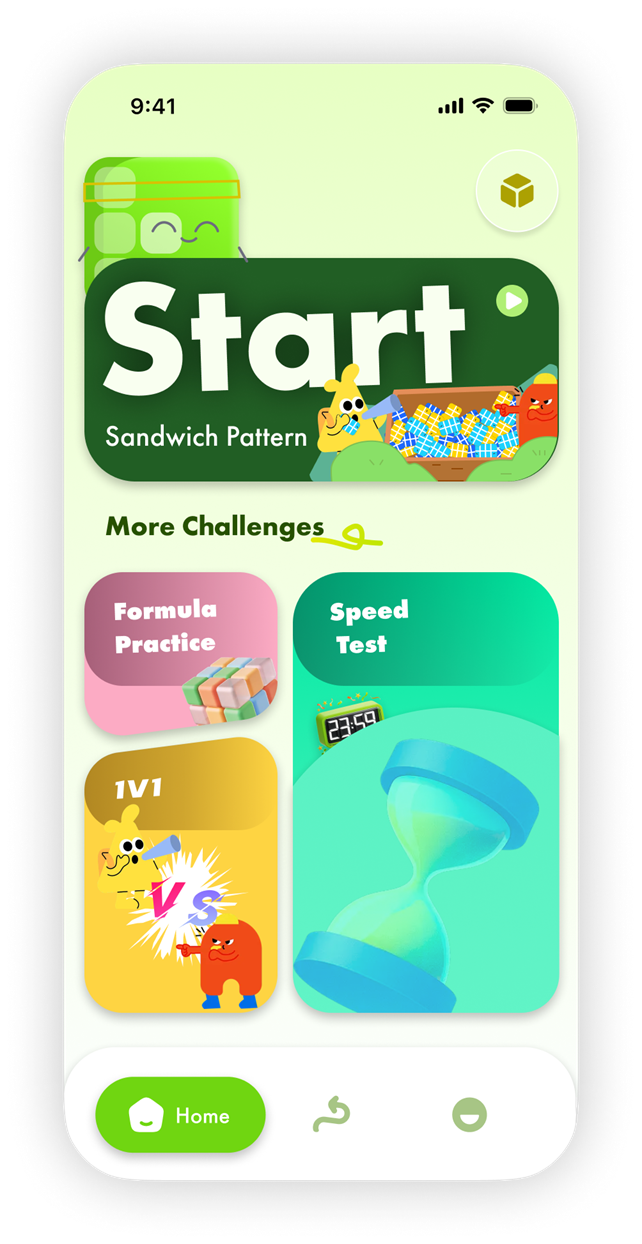


Problem: the Start entry is too small
The button area and text cue are both weak, making the next step difficult for children to identify intuitively.
Strengthen card title readability
Use local shadows to stabilise the edges of white text, then retest WCAG AA against the final backgrounds.
ResultThe experience shifted from “understand the rules before acting” to “start playing, then understand through action.”
Decision 02Feedback across three timescales
Goal
Keep children motivated to continue learning across a single turn, a practice session, and long term growth.
Approach
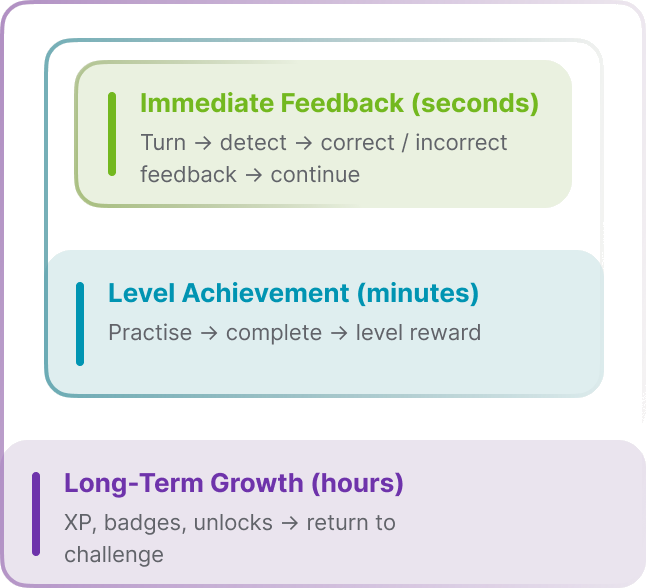
Translate the Core, Session, and Meta Loops into learning feedback across three time scales.


Trade Off
I did not treat gamification as an added reward layer. Instead, I redistributed feedback: respond immediately after each action, provide a stage achievement after practice, and preserve visible long term progress through continued learning.
Decision
Assign the three loops to immediate understanding, stage achievement, and long term retention, then connect them within one learning journey.
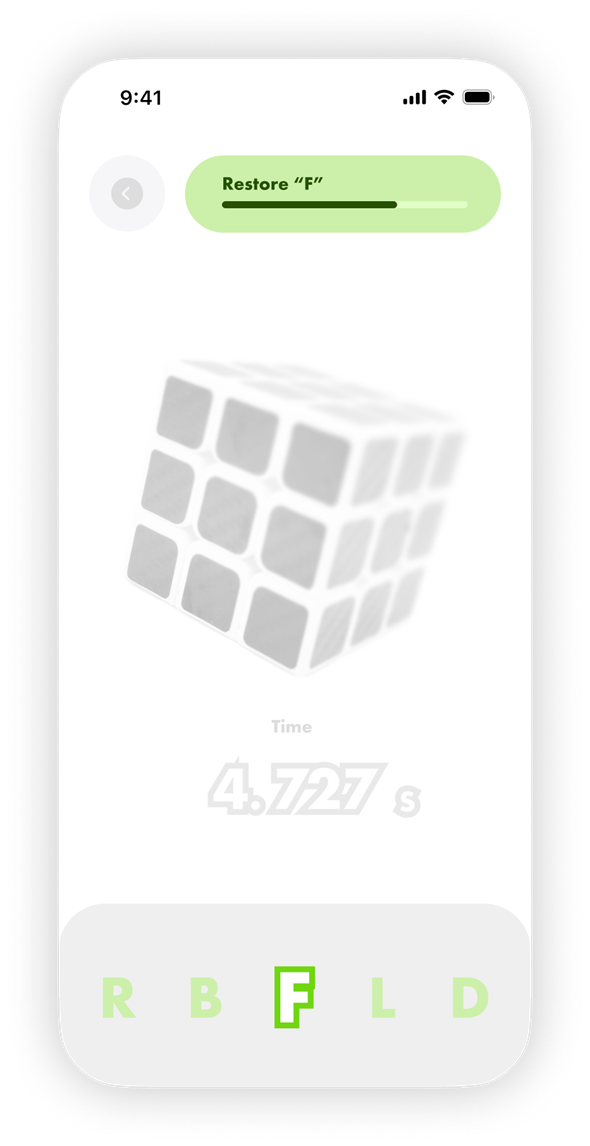
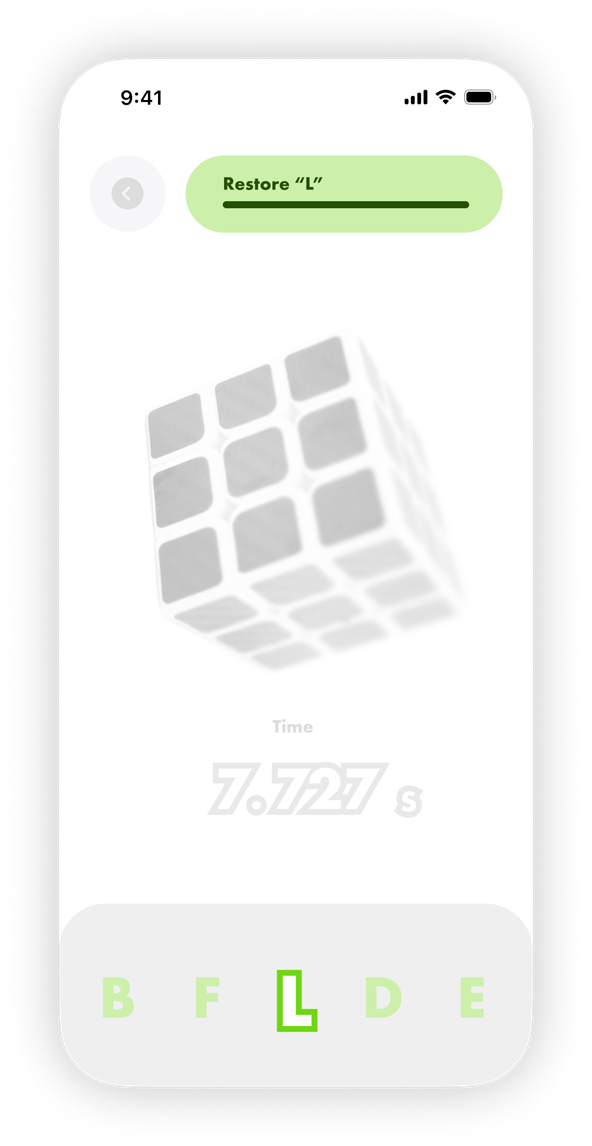
Immediate Feedback (seconds)
Every turn immediately shows detection, correct or incorrect status, and the next cue, so children know what they did right.
Level Achievement (minutes)
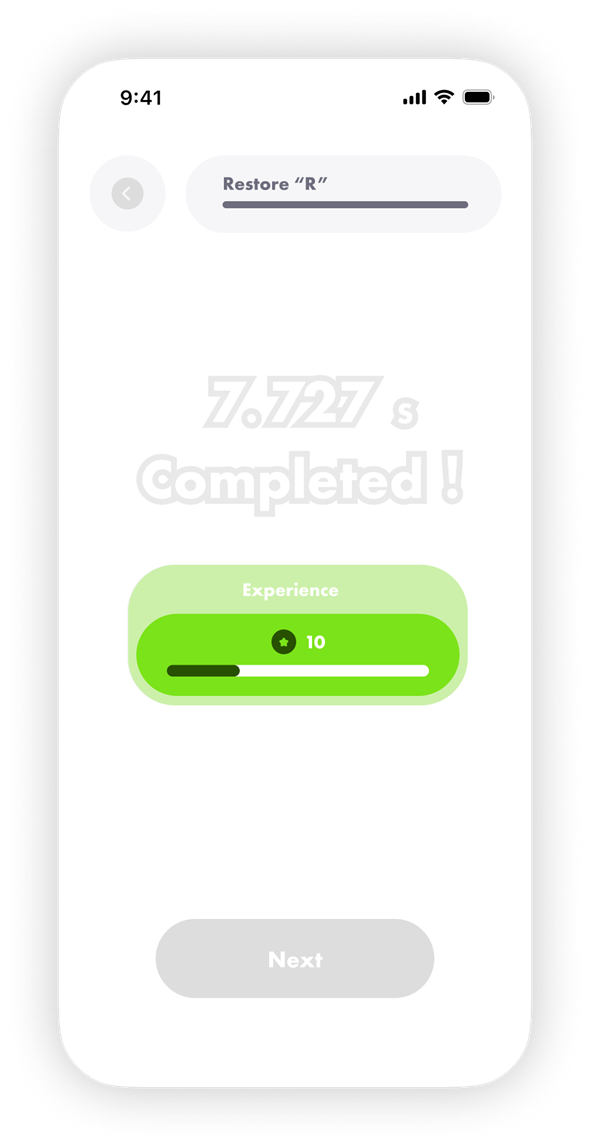
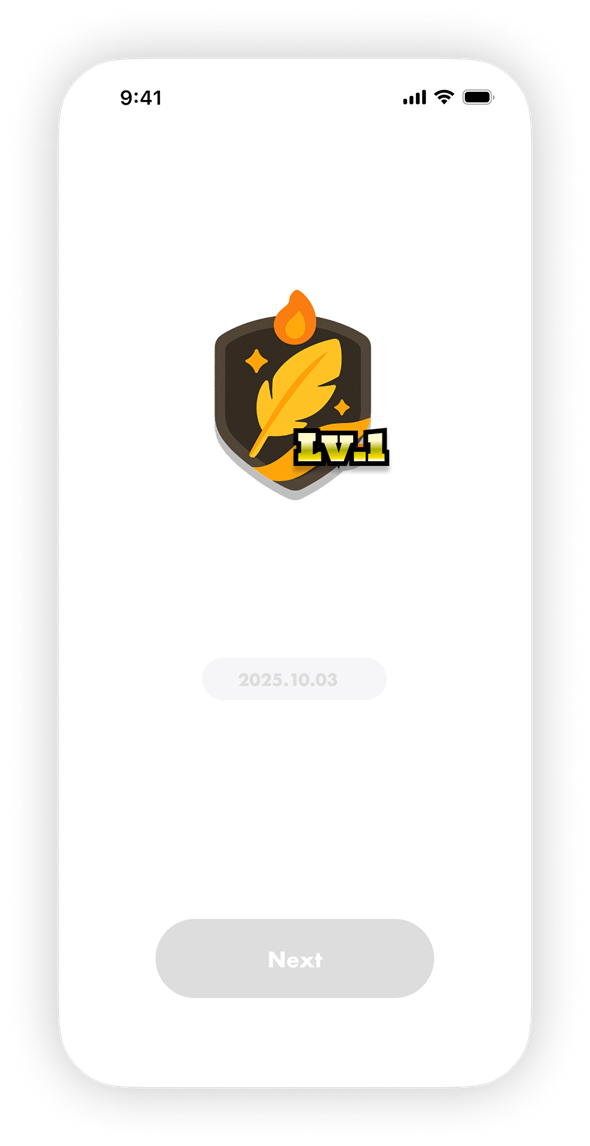
Choose a practice, complete it step by step, and earn a completion reward so ten minutes of effort becomes one complete achievement.
Long Term Growth (hours)
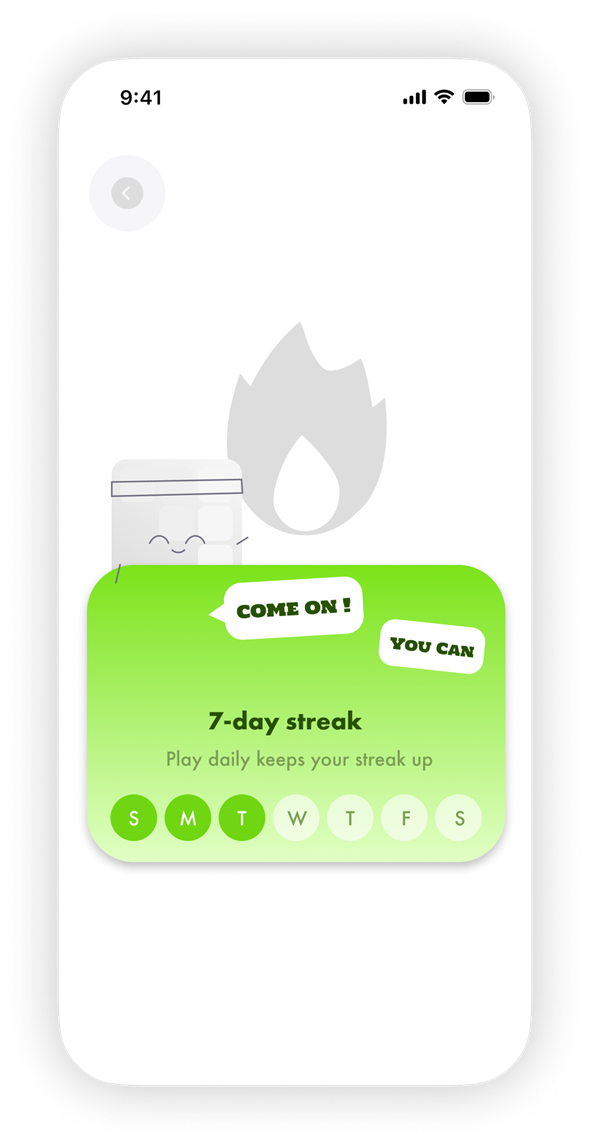
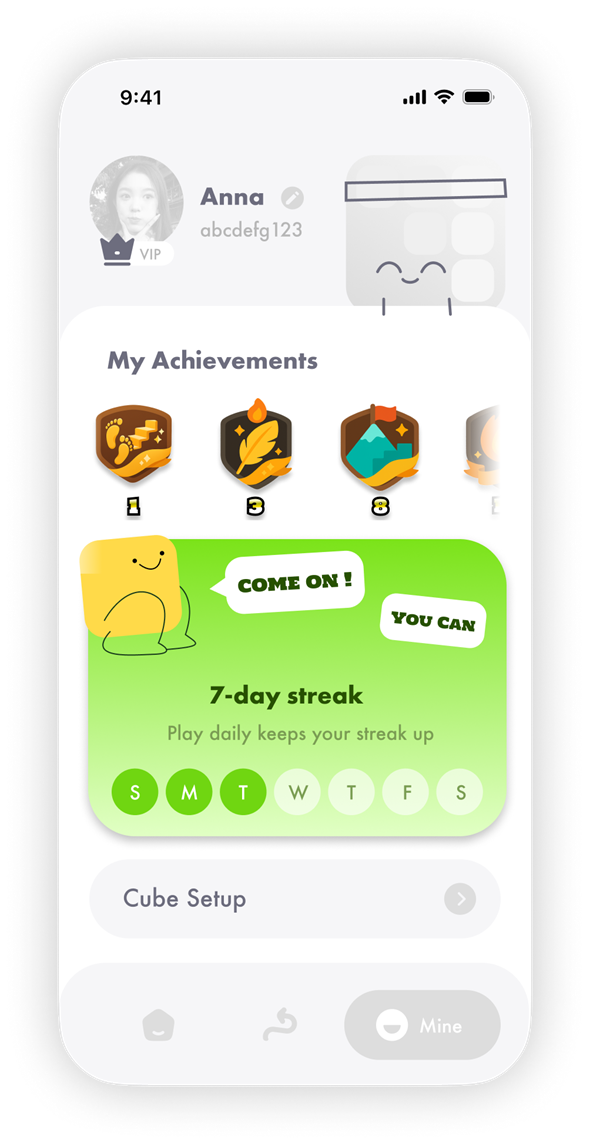
Experience, badges, learning streaks, and content unlocks accumulate each completion into visible long term progress.
ResultLearning changes from waiting for the single achievement of a complete solve into a process driven by immediate feedback, stage victories, and long term growth.
Decision 03Guidance through companionship
Goal
Help children feel acknowledged and encouraged when they struggle, rather than facing cold instructions alone.
Options
Text and voice prompts, or an IP character with personality and emotional responses.






Motion System
More than ten expressive states correspond to different moments in the experience.
Form Language
Rounded blocks, grids, and faceted structures make the character feel native to the product world.
Visual Anchor
Bright green and a stable silhouette keep the character recognisable across different states.
Trade Off
Text prompts are the most direct but lack emotion. Light and animation provide timely feedback but struggle to build a lasting relationship. The IP character adds design and development cost, yet connects guidance, encouragement, and growth feedback.
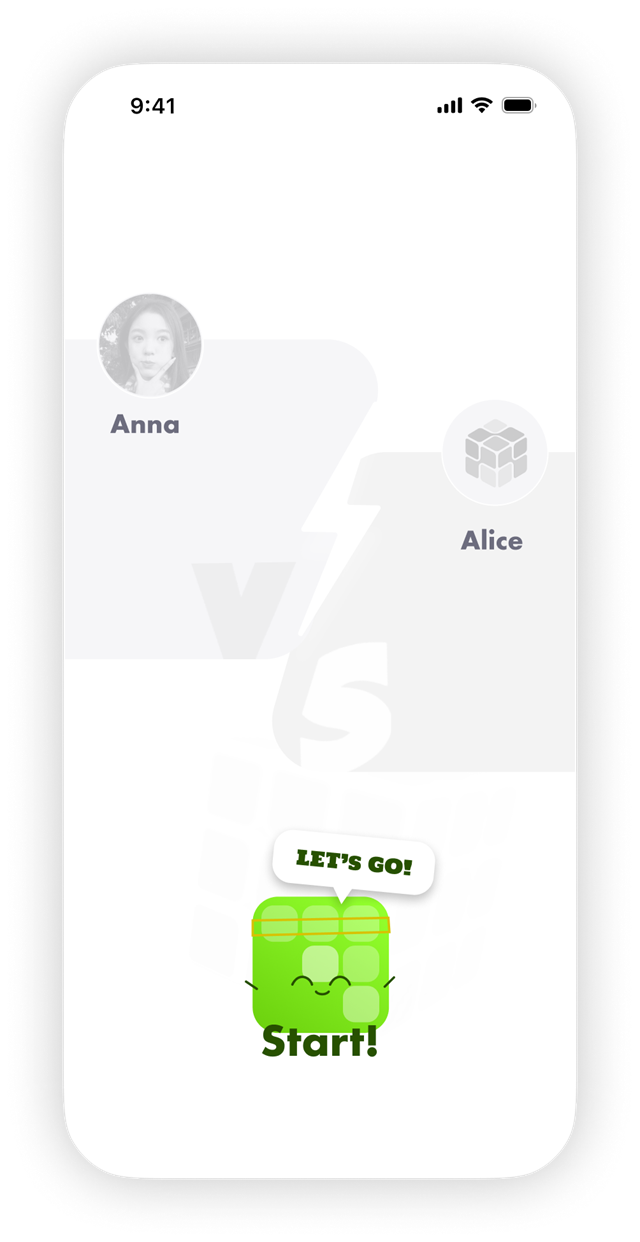
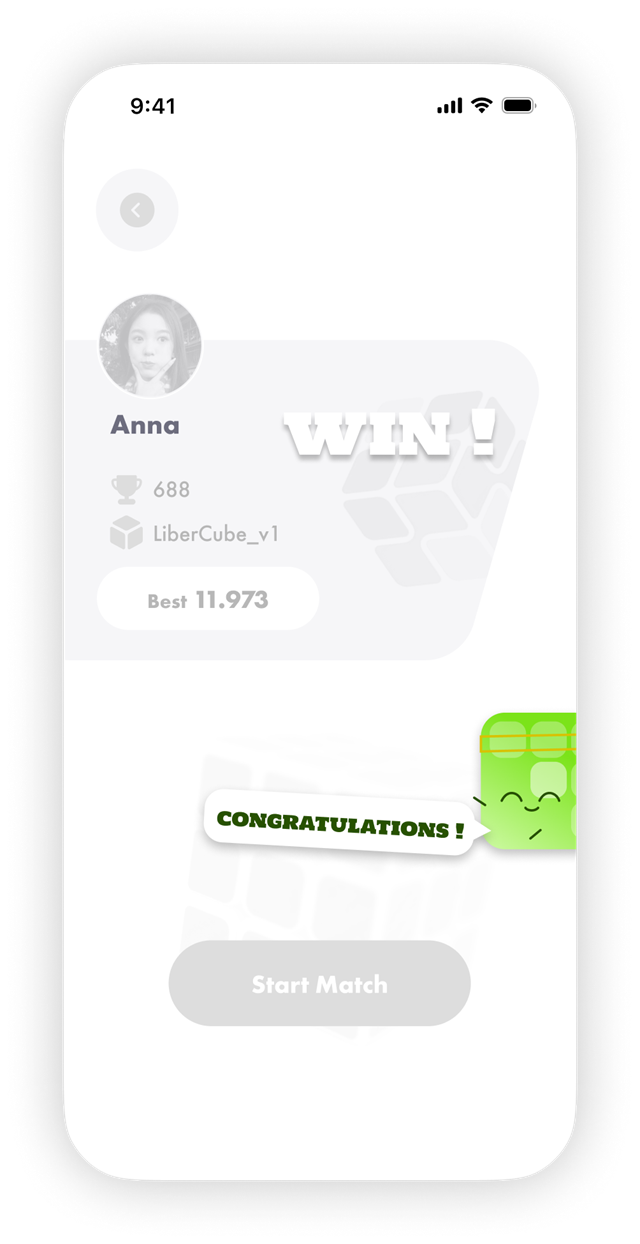
Decision
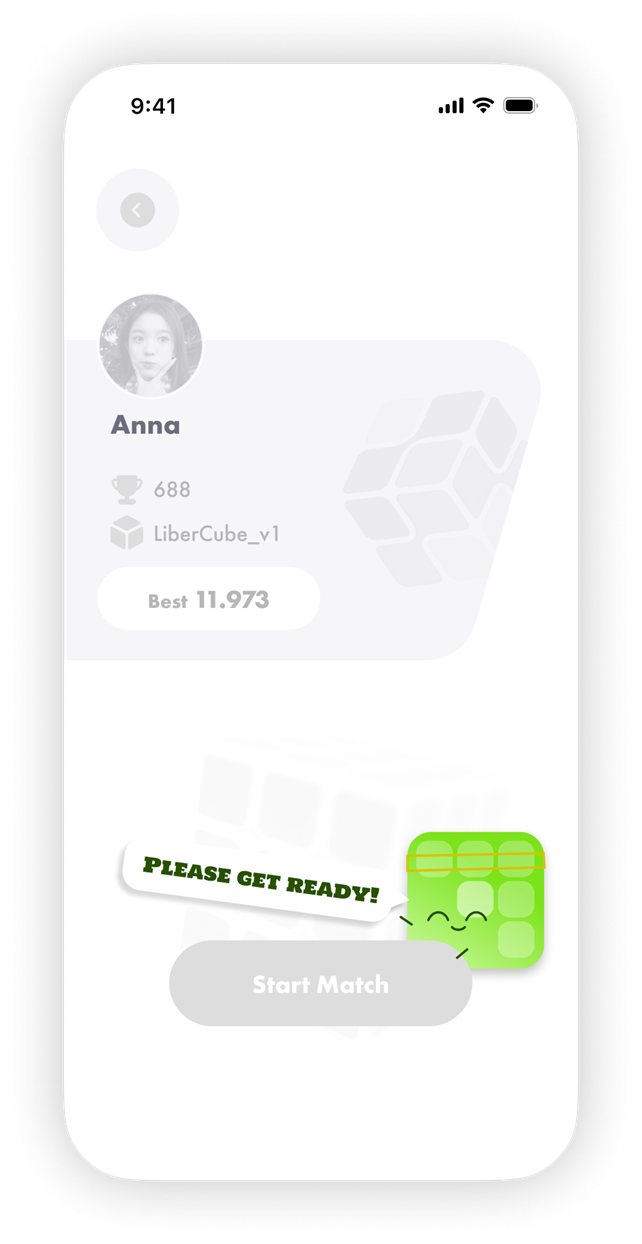
Place the IP character at key learning moments: introduce tasks, respond to actions, offer progressive hints after errors, and encourage children after completion. Across preparation, start, and completion, the character turns system states into a continuous, perceptible sense of companionship.
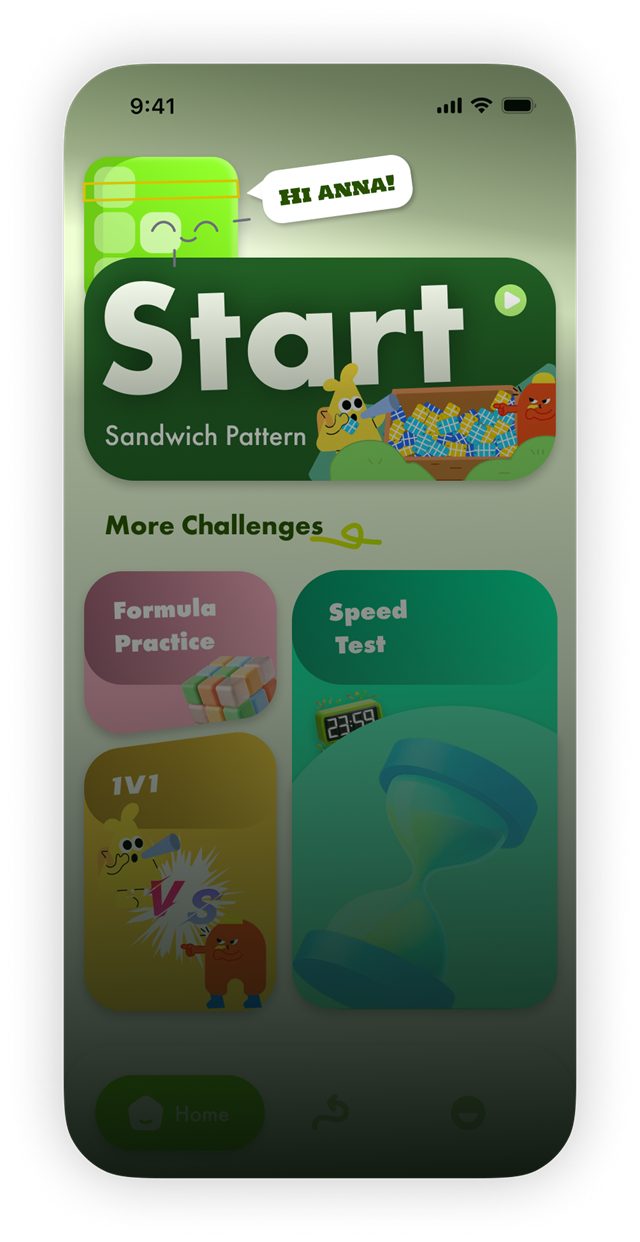
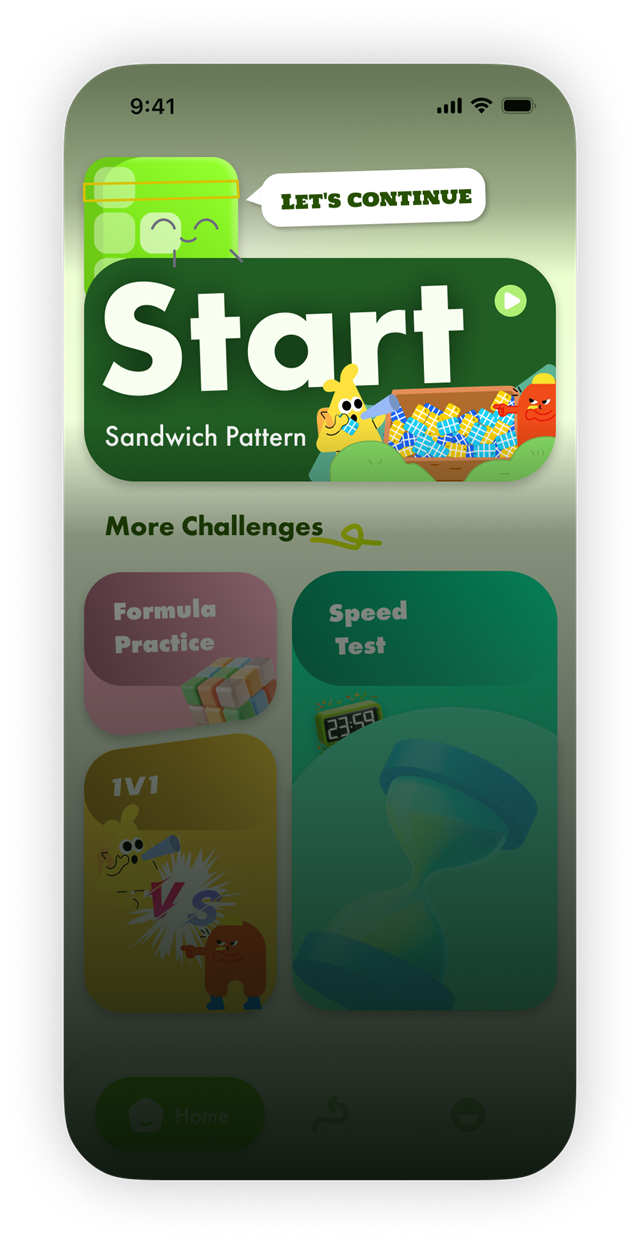
ResultTeaching shifts from linear delivery of steps to a companion led learning experience that continually responds to the child's state.
04Final Experience
Overall experience
Help children want to begin, learn through feedback, and eventually move beyond guidance.
Stage 01 Begin: Make the First Step Feel Natural
Home | Enter the current challenge quickly
The character greeting and primary Start card create a clear entry point, so children do not need to understand a complex structure first.
Challenge Matrix | Choose a play mode freely
Formula Practice, Speed Test, and 1V1 appear together, supporting short, focused training.



Stage 02 Explore: Understand Patterns Through Action
Observe → try → receive feedback → correct → complete
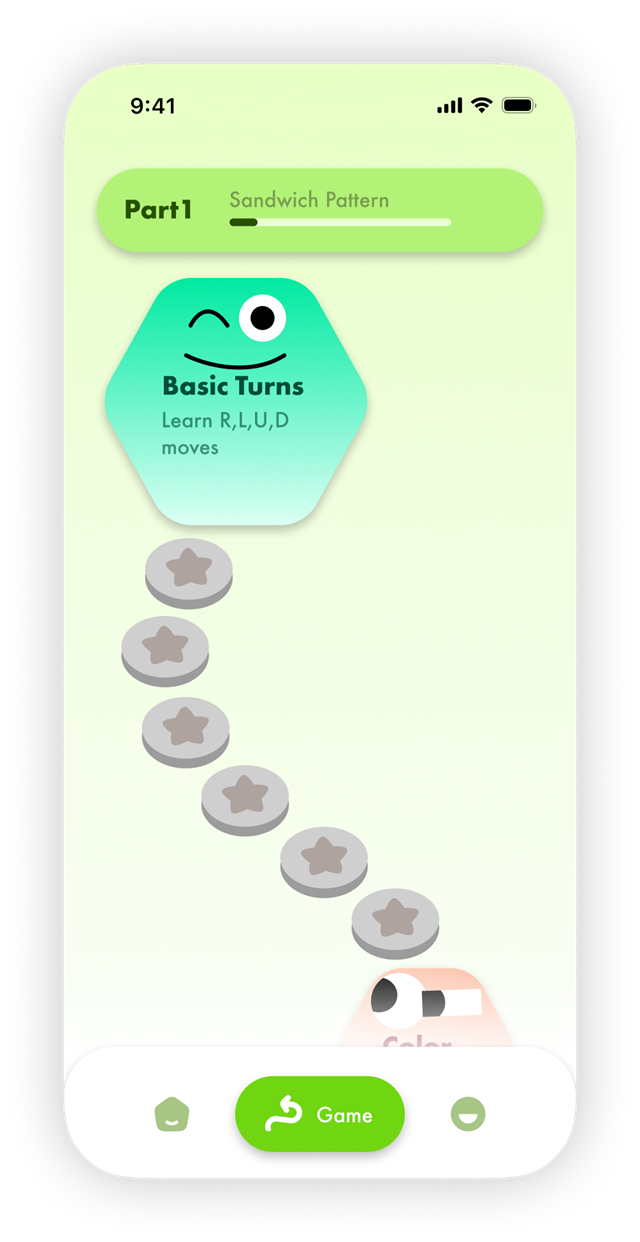
Course Status | Make the current learning goal clear
The header shows the current chapter and completion progress, so children know what they are learning and how much remains.
Learning Path | Break complex actions into smaller steps
Nodes organise foundational moves in sequence; completing one checkpoint naturally leads to the next.


Stage 03 Master: Move From Guidance to Independence
Lighting is not only a teaching tool; it is also a starting point for new ways to play with the cube.
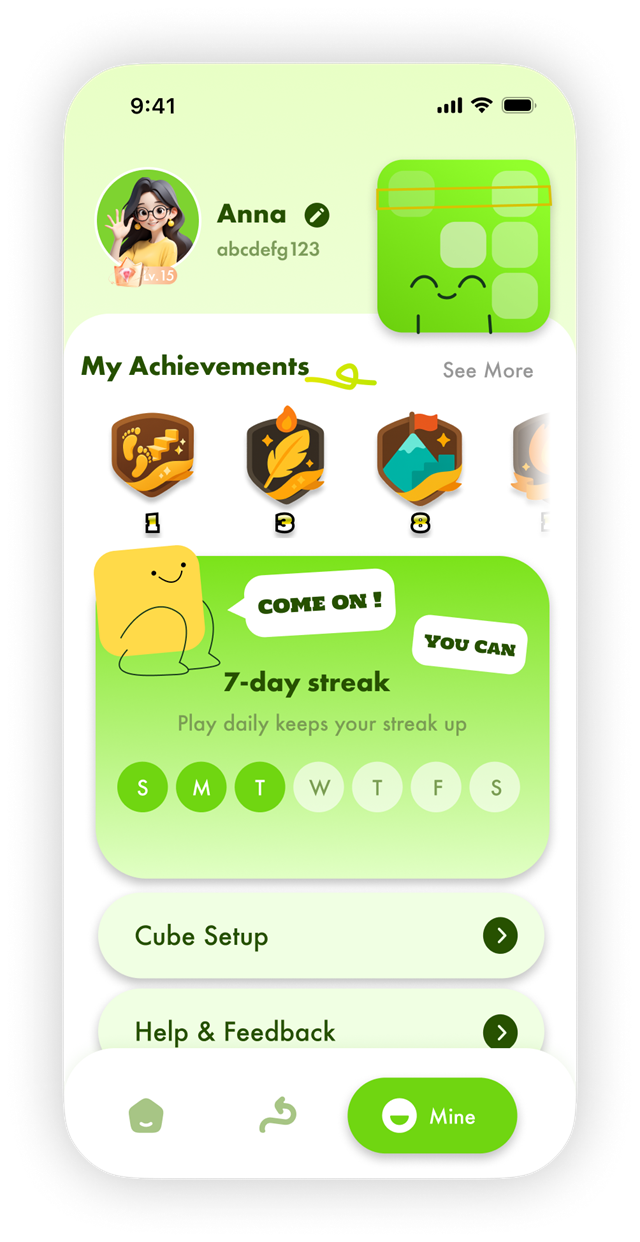
Player Identity | Make growth feel personal
Avatar, level, and best results are presented together, establishing a clear player identity and long term sense of ownership.
Growth Management | Track motivation and settings
Achievements, learning streaks, cube settings, and help are managed together, turning learning outcomes into lasting motivation.


Visual SystemUsing colour for navigation and emotion
Green was chosen as the primary colour because it suggests growth, progress, and a friendly sense of readiness, while remaining highly visible against the soft lime base. Vivid cyan, yellow, and pink give each play mode a memorable identity, helping children scan choices quickly and making practice feel playful rather than instructional.
Soft Lime Base 46%
A subtle base lets saturated functional cards and primary entry points stand out.
Action Green System 22%
Consistent use across Start, Continue, and Complete creates a learned action meaning.
Play Mode Colours 30%
Cyan, yellow, and pink support visual search through repeated category mapping.
Dark Anchors 2%
Contrast stabilises hierarchy; text and graphics ensure colour is not the only information channel.
Design impact: establish a salience hierarchy · improve category recognition · prevent colour from becoming the only information channel
Research basis: Elliot & Maier (2014) · Park (2014) · Bodrogi (2003) · W3C WCAG 2.2
05Impact & Reflection
Product Strategy & Experience Architecture
Defined the target users and core problem, then structured the information architecture, learning journey, and collaboration logic between hardware and software.
Gamification & Interaction Design
Designed the three nested gameplay loops, character feedback, and attention guidance to make learning more intuitive and motivating.
Visual Execution & Cross Functional Collaboration
Delivered the polished UI and visual system, and aligned implementation scope with the hardware and development teams.
From product strategy to interface delivery, I led the translation of hardware capabilities into a learning experience children could understand and want to keep using.
Because we discovered that beginners were held back not by ability, but by a learning approach dependent on algorithms, I broke solving into explorable levels and used light feedback and gameplay loops to provide continuous guidance, ultimately transforming the smart cube from a solution tool into a learning experience that helps children solve independently.